
Download Unit Converter APK – Free Unit Conversion Tool for Mobile
Overview
Unit Converter is a straightforward mobile application designed to simplify the process of converting measurements across various categories. The app focuses on a single core function: transforming values from one unit of measurement to another. It serves users who frequently need to switch between different measurement systems, such as metric and imperial, in real-world scenarios. Common use cases include academic tasks, cooking, travel, and professional work involving technical calculations. The app is tailored for everyday users who value speed and simplicity over advanced functionality. While the developer is not detailed in the provided information, the app’s design and purpose suggest a focus on accessibility and usability. It is optimized for on-the-go conversions, making it ideal for students, travelers, and professionals requiring quick reference. The interface is built around a minimalistic approach, ensuring users can perform conversions without distraction. The developer did not provide additional details about the app’s background or development philosophy. Despite its limited scope, the app effectively fulfills its intended purpose with a clean, efficient workflow.Key Features & Capabilities
- Multi-Category Unit Conversion – Supports conversions across major measurement types, including mass, pressure, volume, distance, temperature, and cooking units.
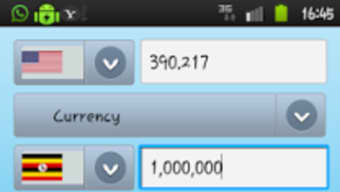
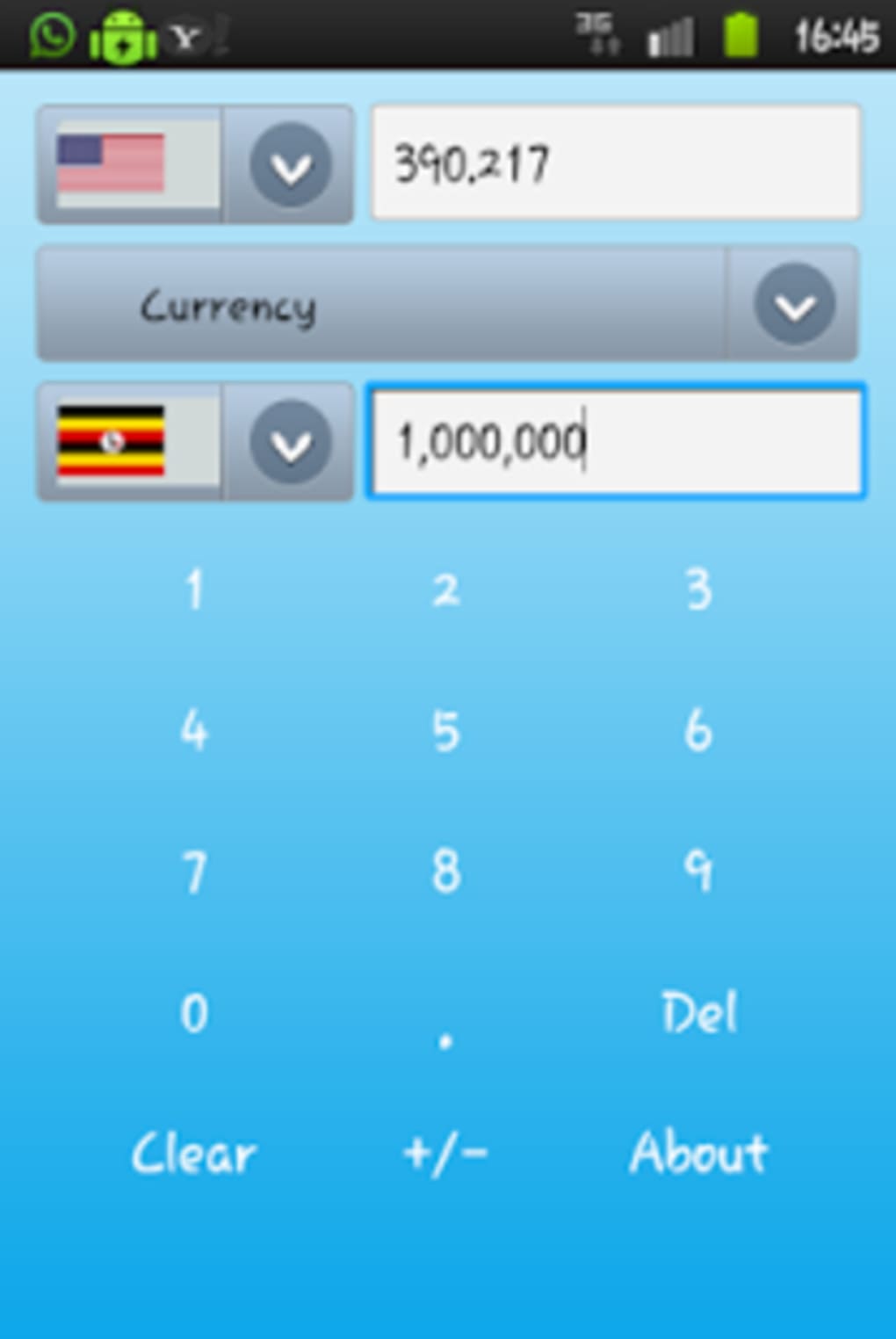
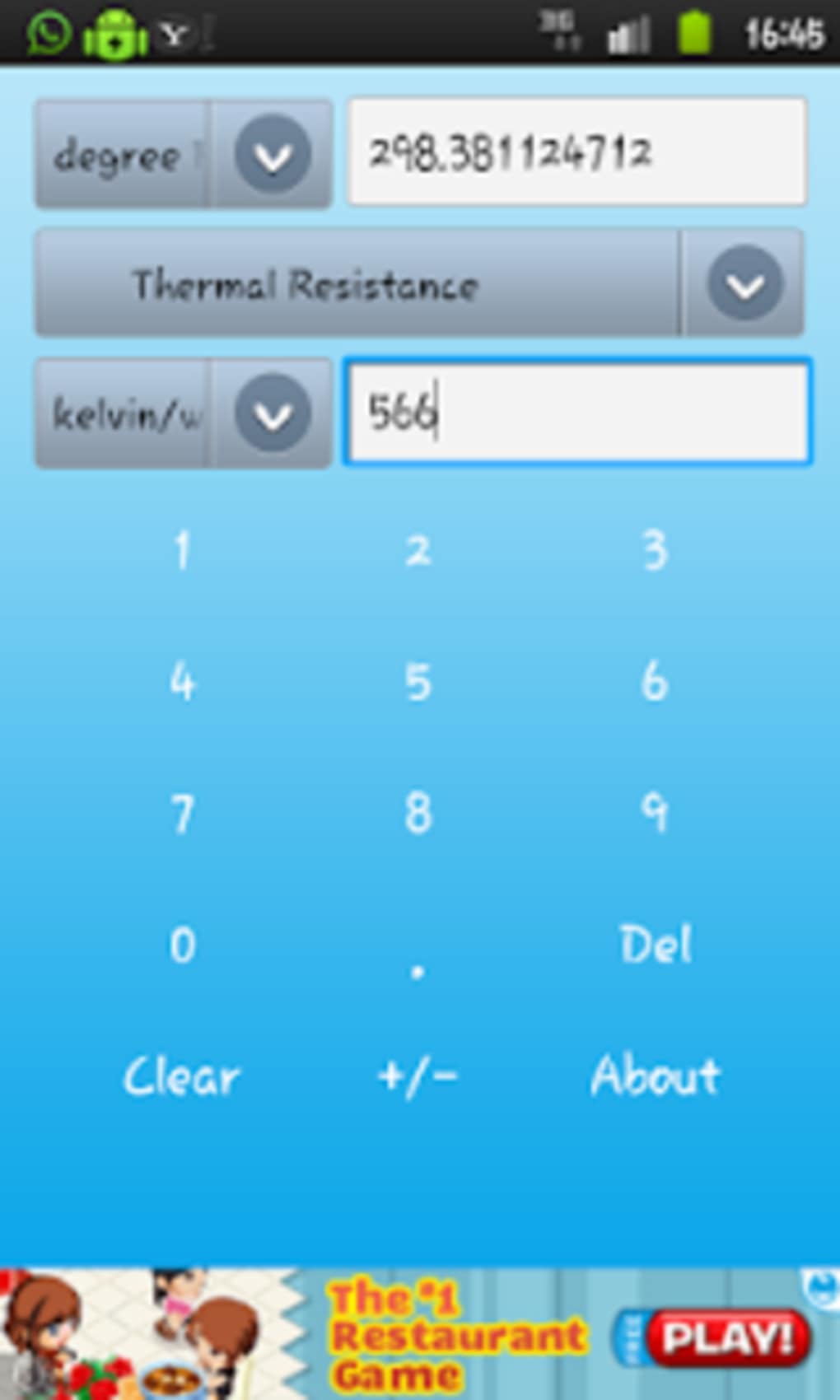
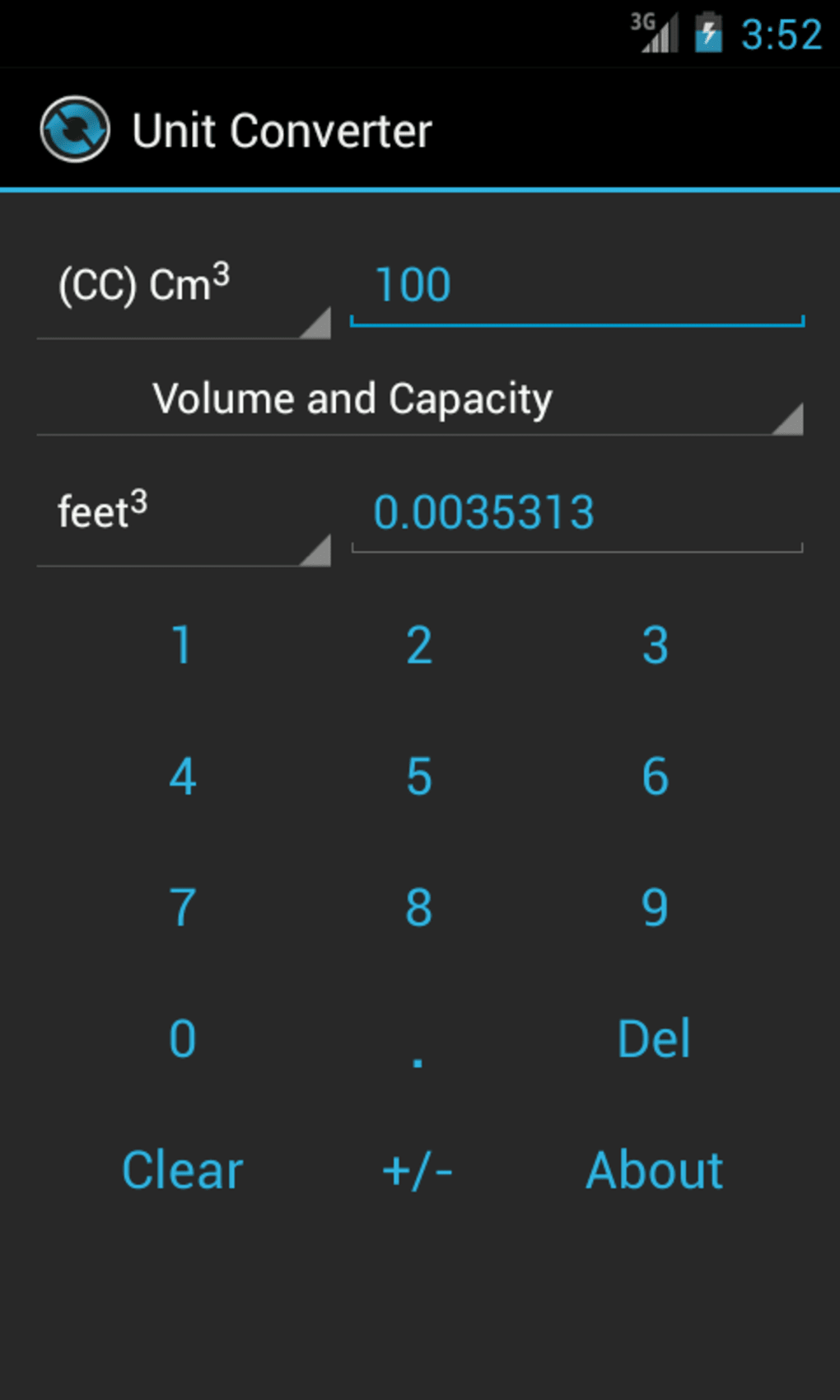
- Two-Column Interface – Displays units in two columns for easy comparison, allowing users to select source and target units with a simple tap.
- Real-Time Conversion – Automatically calculates and updates the result as the input value changes.
- Customizable Settings – Allows users to adjust the number of decimal places displayed and switch between different display themes.
- Offline Functionality – Operates without an internet connection, ensuring usability in remote or low-connectivity environments.
User Interface, Workflow & Performance
The user interface is clean, minimal, and intuitive, with a focus on functionality over visual embellishment. Navigation is straightforward: users begin by selecting a measurement category from a simple menu, then choose source and target units from two clearly labeled columns. The input field is positioned above the left column, and the converted value appears above the right column. This layout promotes a seamless workflow, reducing the chance of user error. The app’s responsiveness is consistent with typical mobile app behavior, though exact performance metrics were not specified. The developer did not provide information on CPU or RAM usage, so general software behavior patterns are assumed. Stability appears to be reliable, as the app functions without reported crashes or freezes. The interface adapts well to different screen sizes, maintaining readability and usability across various devices. The absence of ads or in-app purchases contributes to a smoother user experience. Overall, the workflow is efficient and optimized for quick access, making it ideal for time-sensitive conversions.Compatibility & System Requirements
Unit Converter is designed for mobile platforms, specifically Android, as indicated by the APK format. The app is compatible with devices running Android OS, though specific version requirements were not listed. Installation size is not provided, so exact storage needs remain unknown. The developer did not specify hardware requirements such as minimum RAM or processor speed. Compatibility information was partially provided. Users should ensure their device supports APK installations, which typically requires enabling "Unknown Sources" in the device settings. The app does not require cloud integration or persistent internet access, making it suitable for older or low-end Android devices. Performance observations are based on general software behavior patterns, as no detailed technical specifications were shared.Pros and Cons
- Simple and intuitive interface – Easy to use for all skill levels.
- Free to download and use – No ads or in-app purchases.
- Offline operation – Functions without internet access.
- Wide range of measurement categories – Covers common and specialized units.
- Customizable output precision – Allows adjustment of decimal places.
- Limited feature set – Focuses only on conversions, lacking advanced tools.
- No export or history functionality – Cannot save or review past conversions.
- APK format limits distribution – Requires manual installation, not available on official app stores.
- Minimal visual customization – Theme options are basic and limited.






.png)
